
With BigFix, you can easily gather information about your environment such as the amount of RAM in use, software installed, disk space, whether the machine has a pending restart, registry settings, even to a specific line in a text file. You can also have BigFix alert you or generate a Helpdesk ticket if any of that information changes. For example, with WebReports, you can be notified if and when your Relay runs out of disk space. The same is possible if a service stops on a particular machine, a server is running low on disk space, a machine is rebooted, and so on. This article will tell you how to accomplish this.
Create a Fixlet to check for the data you want to be notified of. In this exercise, a built-in Fixlet called “WARNING: BES Relay is Low on Free Disk Space" is used.
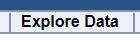
- Log in to WebReports and click Explore Data.
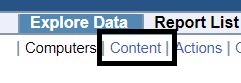
- Click Content.
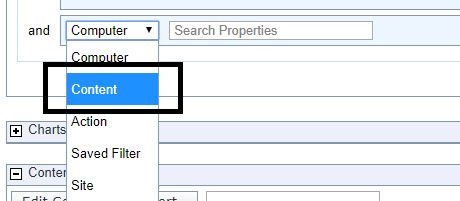
- Add to a filter by selecting the + symbol.

- Click the drop-down and select Content.
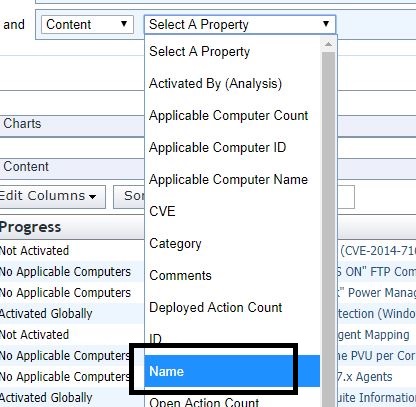
- Select Name from the Property drop-down.
- Enter "warning: bes relay is low" in contains.

- Click Apply Filter.
- Click Save Report.

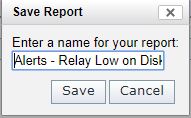
- Enter a name for the report. For example, "Alerts – Relay Low on Disk Space".
- Click Report List.

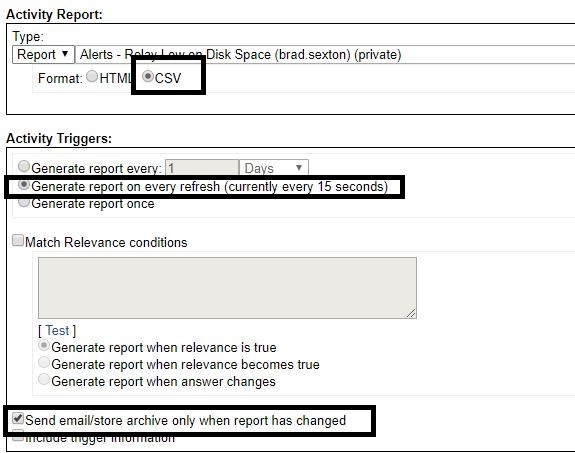
- Find the newly created report and select the Scheduled option that is set to "no".

- Select CSV and Generate reports on every refresh. Also select Send/email store archive only when report has changed.
- Add your email (If you want to generate a Helpdesk ticket with an alert). Enter a title for the report.
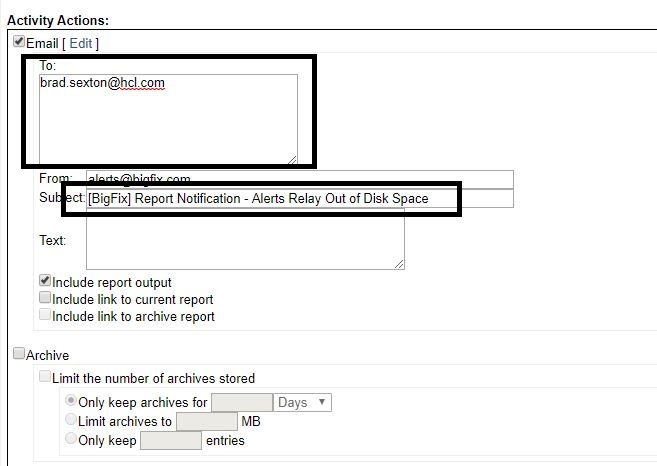
Every time one of your Relays runs out of disk space, you will get an email alert. Following are other possibilities you can set up for alerts for that can be very useful:
- When the clients that have a large evaluation loop from a property from this analysis Evaluation Loop Average - https://bigfix.me/analysis/details/2994765
- Built-in Free Space on System Drive property to alert you when clients run out of disk space
- Custom Fixlets for the status of a windows service using the relevance statement "not exists running service "servicename"
- Machines powered on for too long without a restart using the "Uptime - Windows" property
~~~~~~~~~~~~~~~~~~~~~~~~~~~~~~~~~~~~~~~~~~~~~~~~~~~~~~~~~~~~~~~~~~~~~
Author
Brad Sexton is a BigFix technical advisor for the mid-Atlantic region. He was a BigFix administrator in a global enterprise for 7 years where he was using BigFix for OSD, Software Deployments, and patching. Brad joined the HCL BigFix team in 2018.
Review and editorial credits
Shivi Sivasubramanian is a senior-level technical author and editor with a demonstrated history of working in the technology industry. A firm believer in the magical power of words, she loves helping the community deliver expressive, minimalist, and user-friendly content. Shivi currently leads a team of information developers in BigFix.